QR Code Generator | Create QR Codes Online Free
📱 QR Code Generator
Enter text or URL to generate a QR code
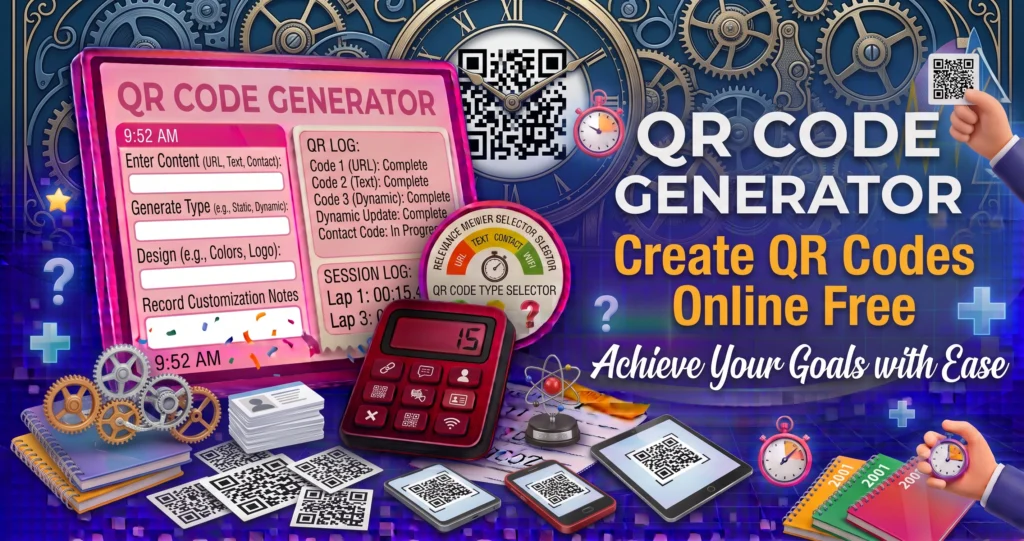
A QR Code Generator is an online tool that allows you to create QR codes for links, text, contact details, WiFi credentials, and more. QR codes are widely used in marketing, education, payments, product packaging, and digital communication.
With a simple QR code, users can scan and instantly access information using their smartphones.
🔹 What Is a QR Code?
A QR (Quick Response) code is a two-dimensional barcode that stores data such as:
- Website URLs
- Text messages
- Phone numbers
- Email addresses
- WiFi passwords
- Location details
When scanned with a phone camera, the data is instantly displayed.
🔹 Why Use a QR Code Generator?
✔ Easy to use
✔ No design skills needed
✔ Instant results
✔ Mobile-friendly
✔ Free & fast
✔ Works offline
🔹 Common Uses of QR Codes
| Use Case | Example |
|---|---|
| Marketing | Website links on posters |
| Business | Digital business cards |
| Education | Study materials |
| Restaurants | Digital menus |
| Payments | UPI & PayPal links |
| Events | Ticket verification |
🔹 How QR Codes Work
QR codes use black-and-white patterns to store information. A scanner reads these patterns and converts them into readable data.
🔹 Types of QR Codes
| Type | Example |
|---|---|
| URL | Website link |
| Text | Messages |
| Phone | Call instantly |
| Send email | |
| WiFi | Connect automatically |
| vCard | Save contacts |
🔹 QR Code vs Barcode
| Feature | QR Code | Barcode |
|---|---|---|
| Data | Large | Limited |
| Direction | 2D | 1D |
| Speed | Fast | Slower |
| Usage | Modern | Traditional |
If your QR code links to online accounts or private content, protect it with a strong password created using our Password Generator.
🔹 QR Code Safety Tips
✔ Scan only trusted codes
✔ Avoid unknown sources
✔ Use antivirus apps
✔ Check URLs before opening
🔹 Are QR Codes Secure?
QR codes themselves are safe. However, always verify the content before clicking unknown links.
To learn more about QR code standards, business applications, and best practices, visit GS1 – QR Codes.