Password Generator | Create Strong & Secure Passwords Online
🔐 Password Generator
Create strong and secure passwords instantly
A Password Generator is a simple online tool that helps you create strong, random, and secure passwords. In today’s digital world, weak passwords are one of the biggest security risks. Hackers can easily guess or crack simple passwords like “123456” or “password”.
With a generators, you can instantly create complex passwords that are much harder to break. These passwords include a mix of:
- Uppercase letters
- Lowercase letters
- Numbers
- Special symbols
This makes your accounts safer from cyberattacks, data breaches, and unauthorized access.
🔹 Why Strong Passwords Matter
Strong passwords protect your:
- Email accounts
- Social media profiles
- Banking apps
- Online shopping accounts
- Work systems
- Cloud storage
Weak passwords can be cracked in seconds using automated tools. A strong password, on the other hand, can take years to crack.
🔹 What Is a Password Generator?
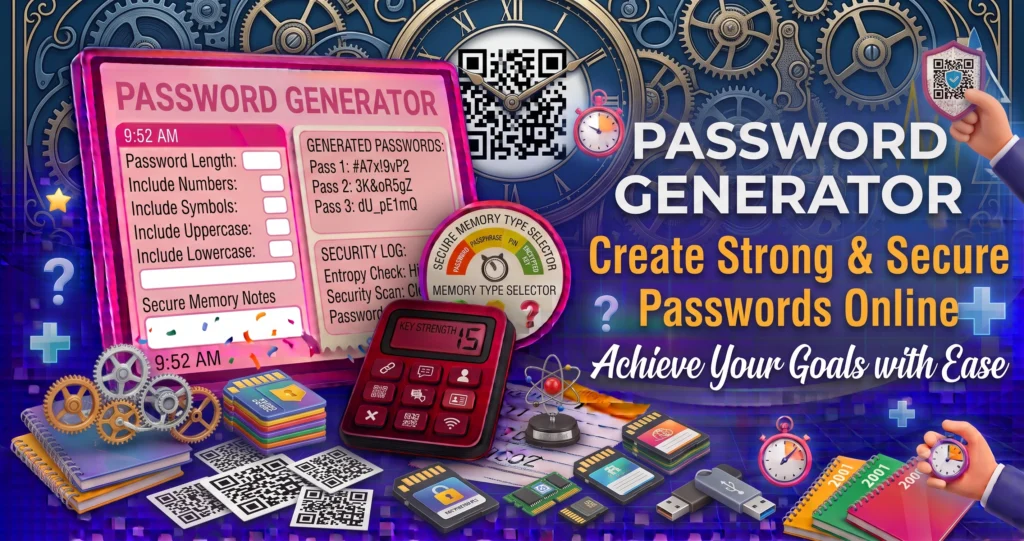
A password generator automatically creates random passwords based on your preferences. You can usually choose:
- Password length
- Include numbers
- Include symbols
- Include uppercase letters
- Include lowercase letters
The tool then generates a secure password instantly.
🔹 Password Strength Factors
| Factor | Why It Matters |
|---|---|
| Length | Longer passwords are harder to crack |
| Complexity | Mix of characters increases security |
| Randomness | Prevents predictable patterns |
| Uniqueness | Avoid reuse across accounts |
🔹 Example of a Strong Password
Weak Password:john123
Strong Password:J8$kP@2mZ#7Q
The strong password is longer, random, and includes multiple character types.
🔹 How Password Generators Work
Password generators use algorithms to randomly select characters from:
- A–Z
- a–z
- 0–9
- !@#$%^&*
These characters are combined to form a secure password.
🔹 Common Uses:
| Use Case | Example |
|---|---|
| New account | Create secure login |
| Password reset | Replace weak password |
| Work systems | Protect company data |
| Apps & software | Improve security |
| Wi-Fi passwords | Prevent unauthorized access |
🔹 Manual vs Generated Passwords
| Feature | Manual | Generator |
|---|---|---|
| Security | Low | High |
| Randomness | Poor | Excellent |
| Speed | Slow | Instant |
| Ease | Difficult | Easy |
| Mobile-friendly | No | Yes |
After creating a secure password, you can easily share websites, contact details, or Wi-Fi information using our QR Code Generator.
🔹 Tips for Password Safety
✔ Use different passwords for each account
✔ Never share your password
✔ Use a password manager
✔ Avoid personal info (name, birthday)
✔ Change passwords regularly
🔹 Are Password Generators Safe?
Yes, as long as:
- They don’t store your passwords
- They generate passwords locally
- They don’t send data to servers
The tool below works entirely in your browser.
A Password Generator is an essential security tool for anyone who uses the internet. It helps protect your data, privacy, and accounts by creating strong, unpredictable passwords in seconds.
For official recommendations on creating strong passwords and improving online account security, visit the NIST Password Guidelines.