MCQs Generator | Free Multiple Choice Question Generator
📚 MCQs Generator
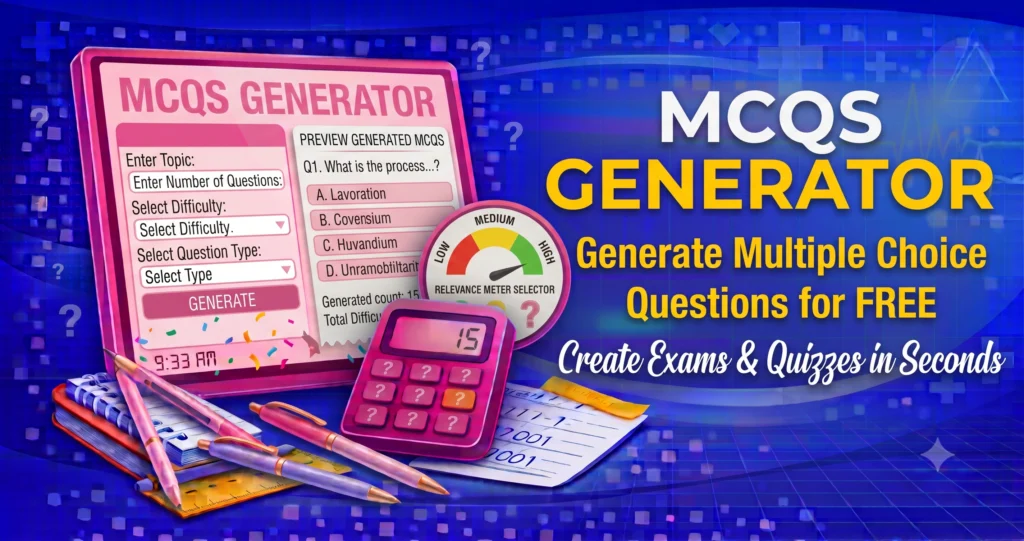
An MCQs Generator is a free online tool that instantly creates Multiple Choice Questions (MCQs) for students, teachers, trainers, and exam preparation. Whether you’re preparing quizzes, classroom tests, online assessments, or self-practice exercises, this tool generates random MCQs with answer options and highlights the correct answer.
They supports different categories, making it useful for schools, colleges, universities, competitive exams, and interview preparation.
What Is an MCQs Generator?
Creates multiple-choice questions that include:
- A question
- Four answer options
- The correct answer
- Instant feedback
It helps users practice knowledge in an interactive and engaging way.
If your quiz content was created with AI tools, use our AI Detector to analyze whether the text appears AI-generated before sharing or publishing it.
Why Use an MCQs Generator?
Using offers several benefits:
- Create quizzes instantly
- Improve exam preparation
- Practice self-assessment
- Save time for teachers
- Generate unlimited random questions
- Mobile-friendly
- Free to use
Categories Included
The generator can include MCQs from subjects such as:
- General Knowledge
- Mathematics
- Science
- English
- Computer Science
- Geography
- History
You can easily expand the question bank by adding more questions to the JavaScript array.
How to Use:
- Select a category.
- Click Generate MCQ.
- Read the question.
- Choose an answer.
- Click Check Answer.
- View instant feedback.
- Generate another question for more practice.
Frequently Asked Questions
Is the MCQs Generator free?
Yes. It is completely free.
Can I add more questions?
Yes. Simply edit the JavaScript question arrays to include additional MCQs.
Does it work on mobile?
Yes. The tool is fully responsive.
Is it suitable for exam preparation?
Yes. It is useful for self-practice, revision, and classroom activities.
The MCQs Generator is an easy-to-use tool for generating multiple-choice questions across different subjects. Whether you’re a student preparing for exams or a teacher creating quizzes, this tool provides a quick and interactive learning experience.
To explore effective quiz creation, classroom assessment strategies, and student learning techniques, visit Edutopia – Assessment Resources.